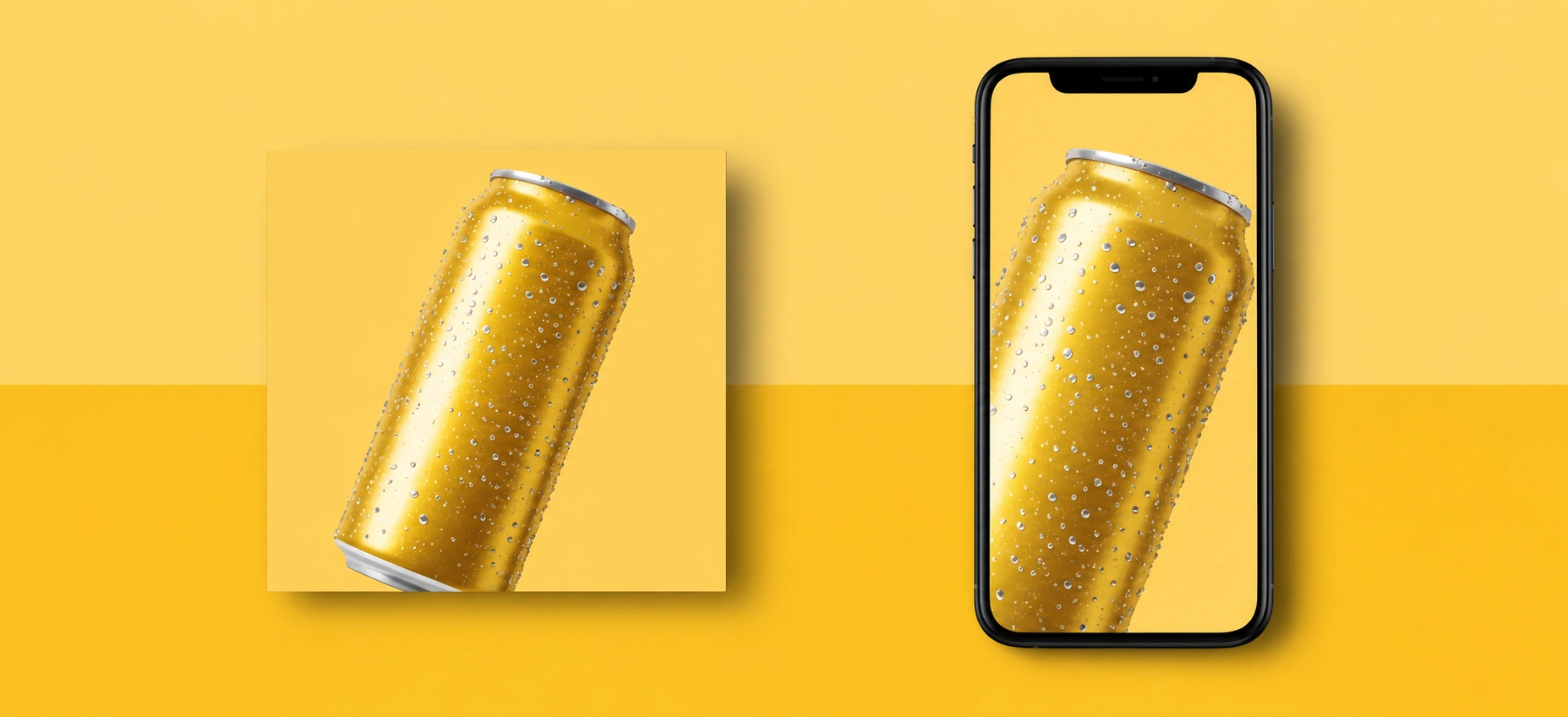
Product Images
Generate product concepts, ad visuals, and e-commerce images.
Browse the featured image models currently highlighted in OpenVideoMaker and jump into the workflow that fits your task.
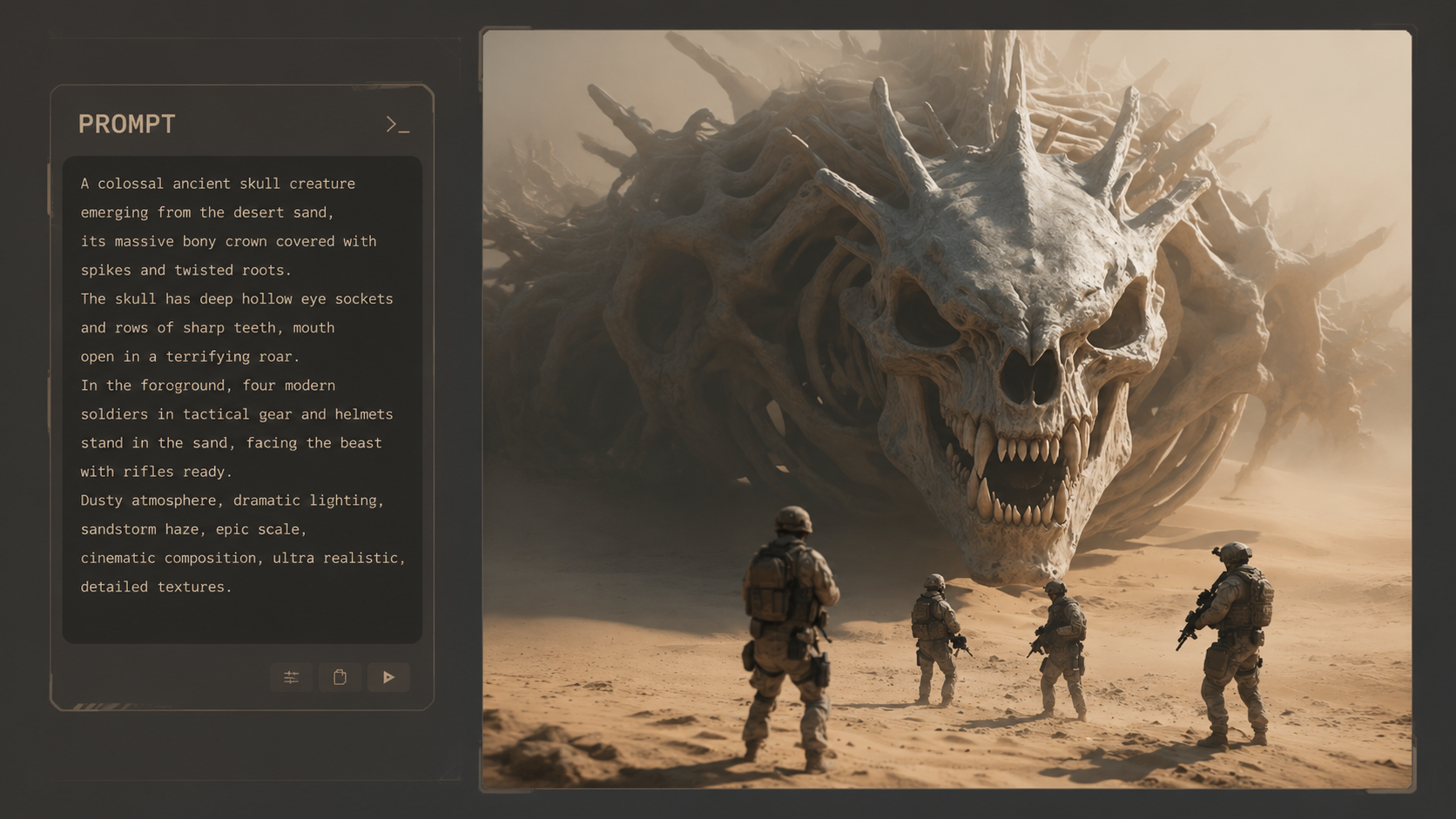
Strong semantic understanding with more stable text and layout.
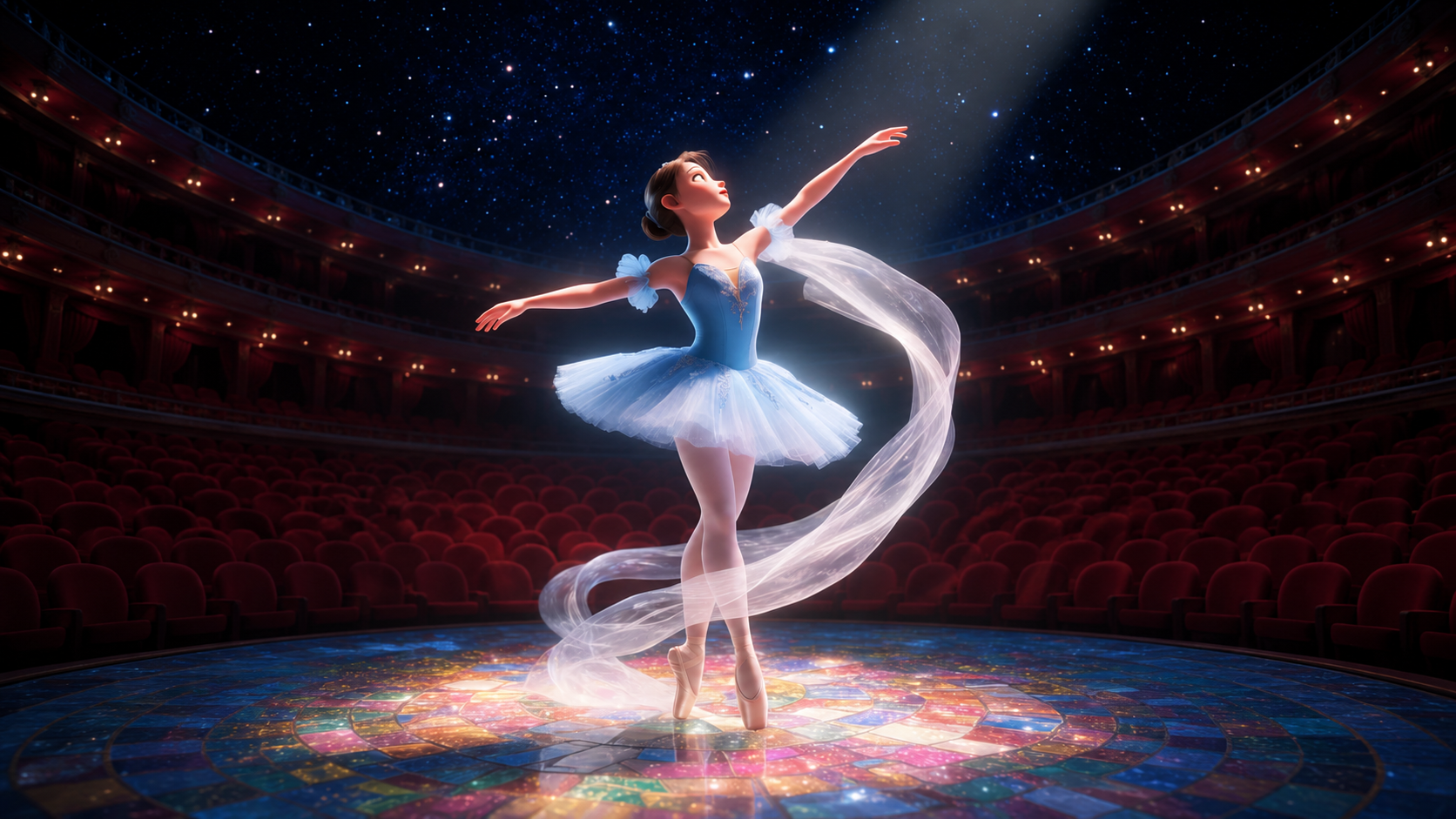
Wan 2.7 Image handles fast multi-image edits and reference-guided generation across the Wan image workflow.
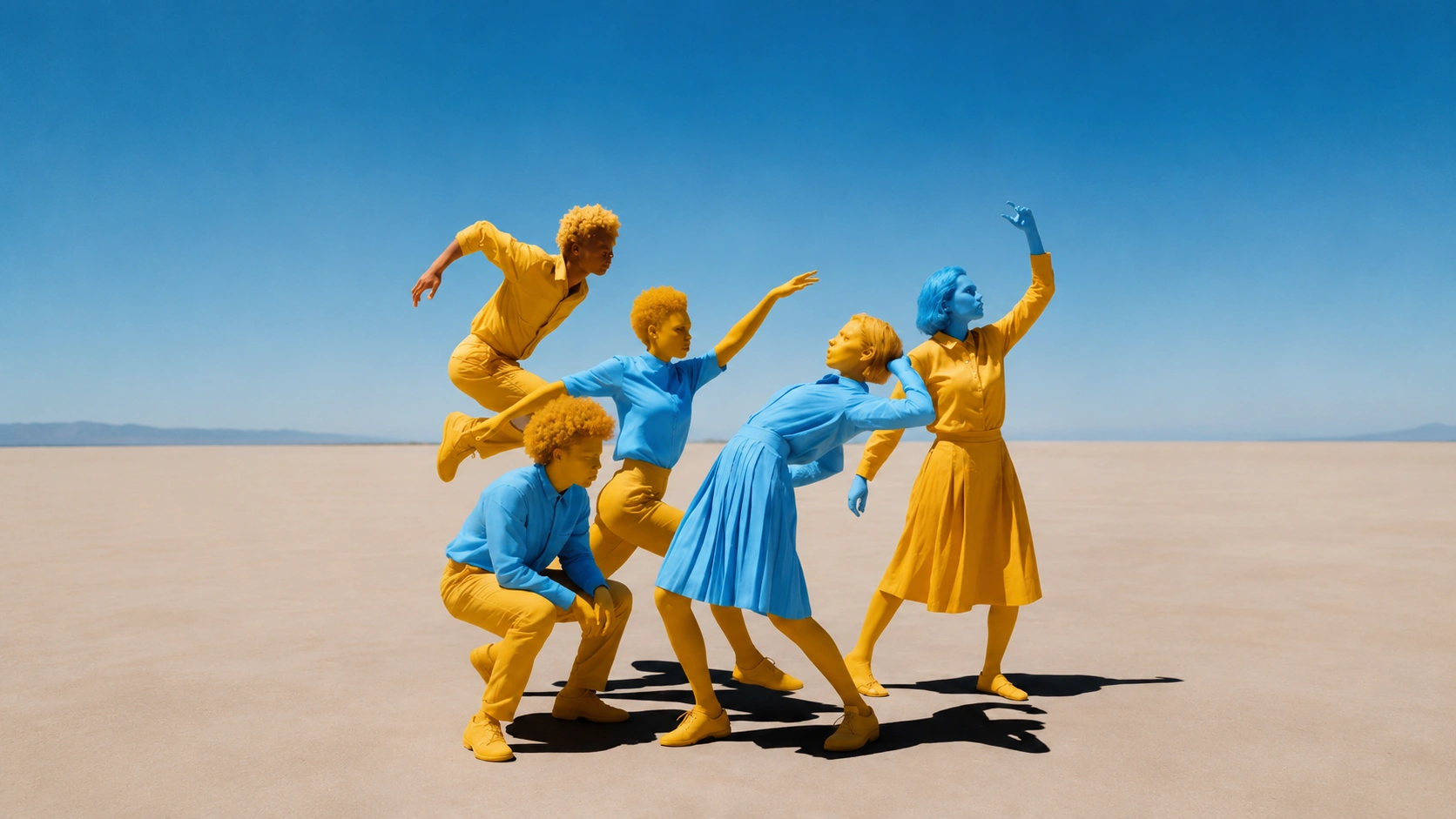
Fast image generation with standout character consistency.
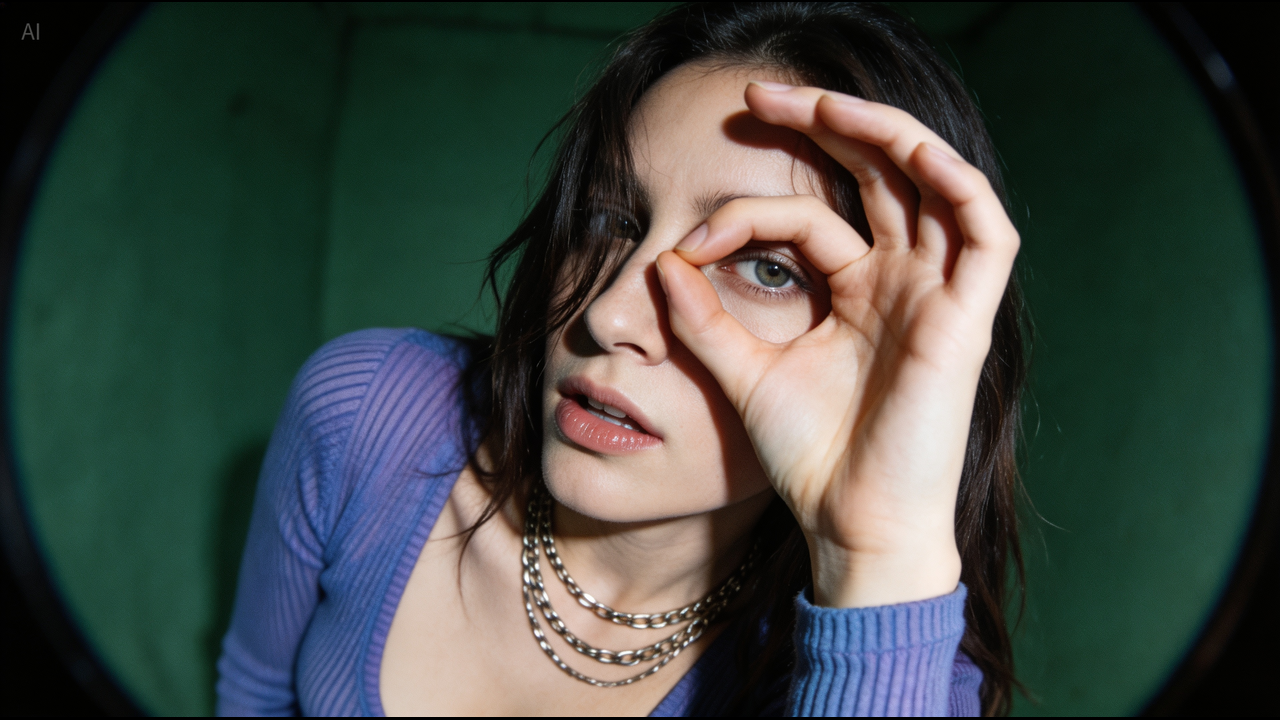
Create polished text-to-image and multi-reference AI images with Seedream 5.0, 4.5, and 4.0 for infographics, edits, and commercial stills.
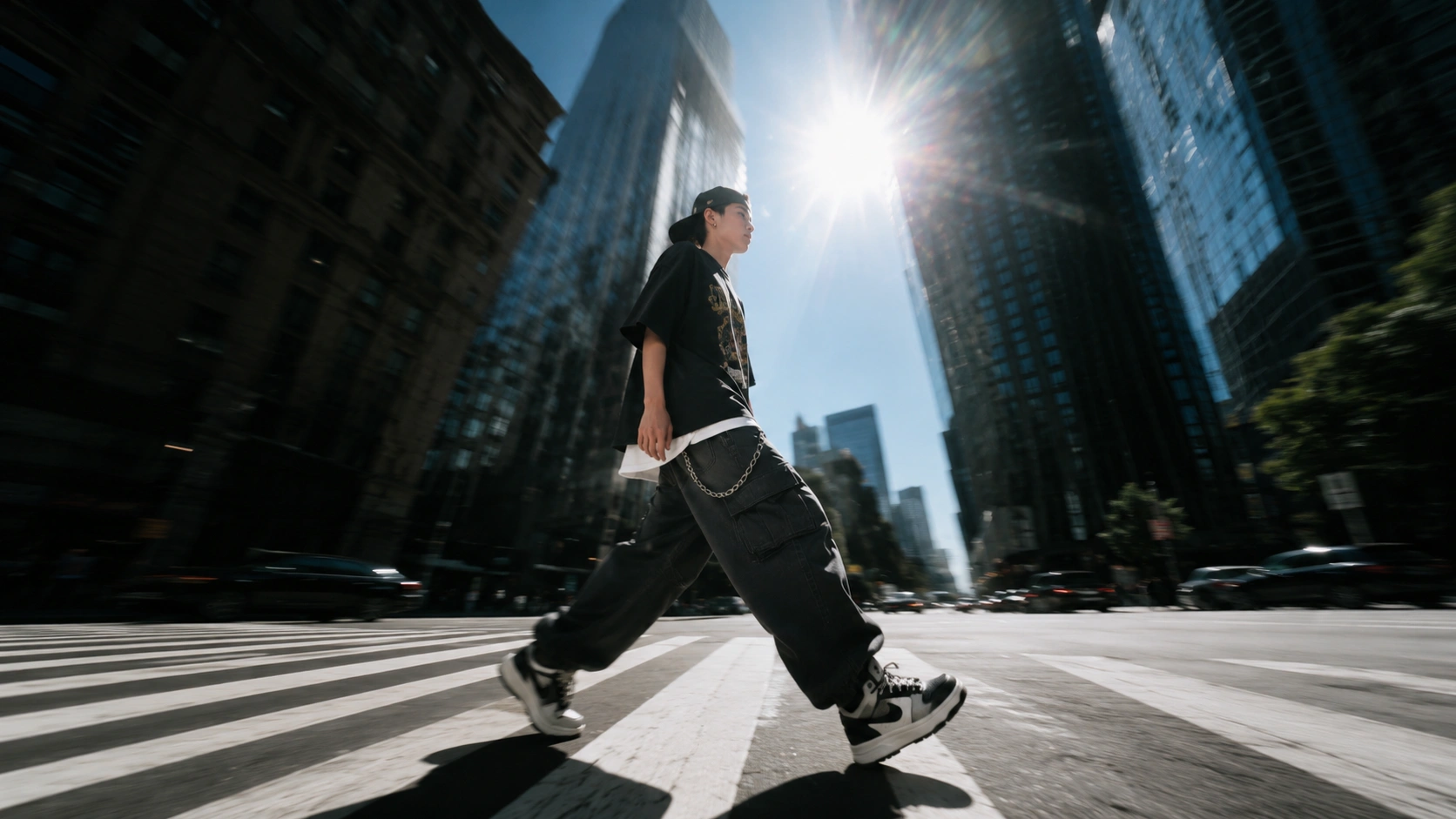
Flexible text-to-image and image-to-image generation with up to 4 references.
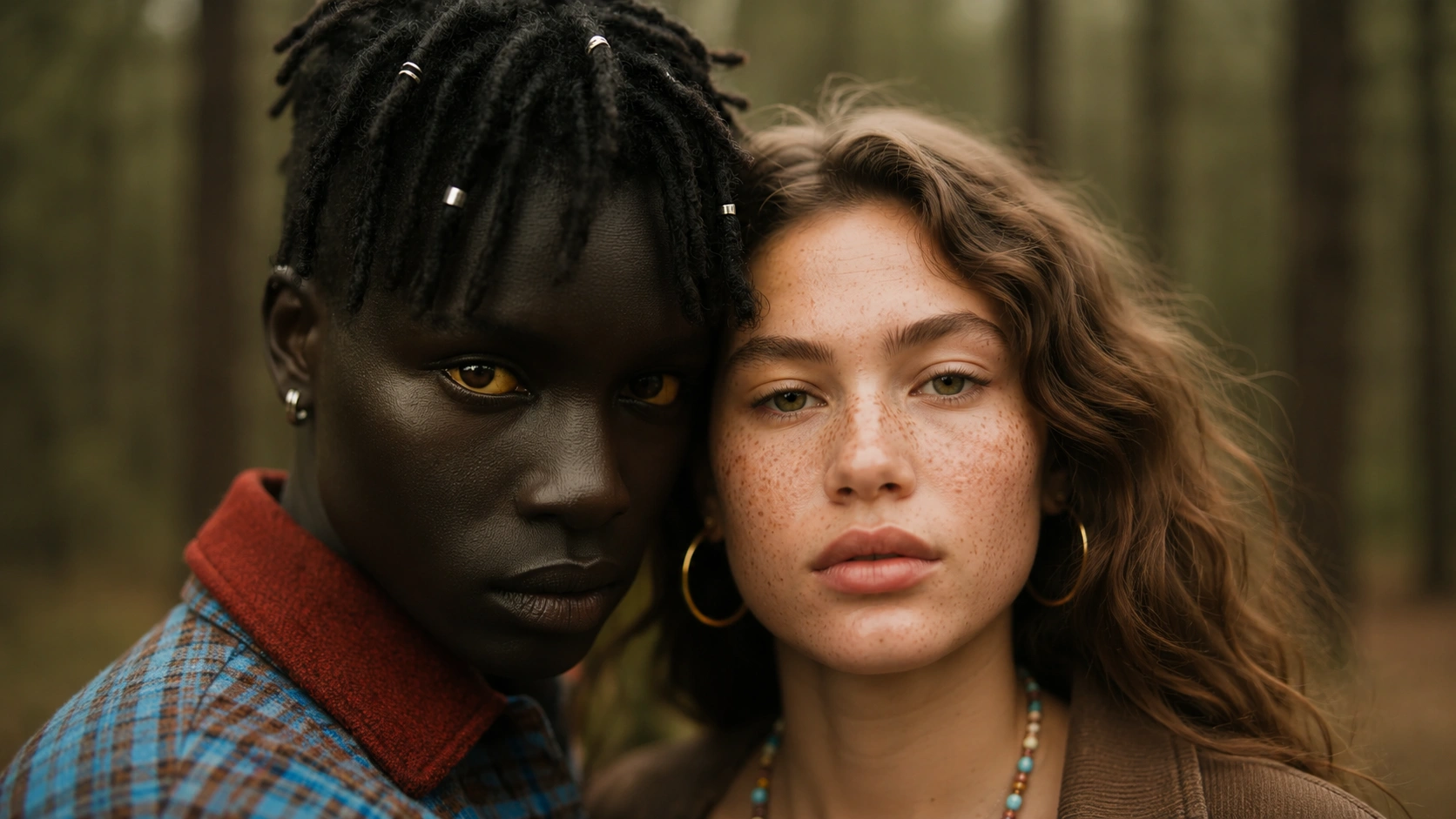
Strong photoreal texture for commercial-quality images.
Turn prompts into polished stills for products, characters, social content, and fast creative exploration.
Generate product concepts, ad visuals, and e-commerce images.
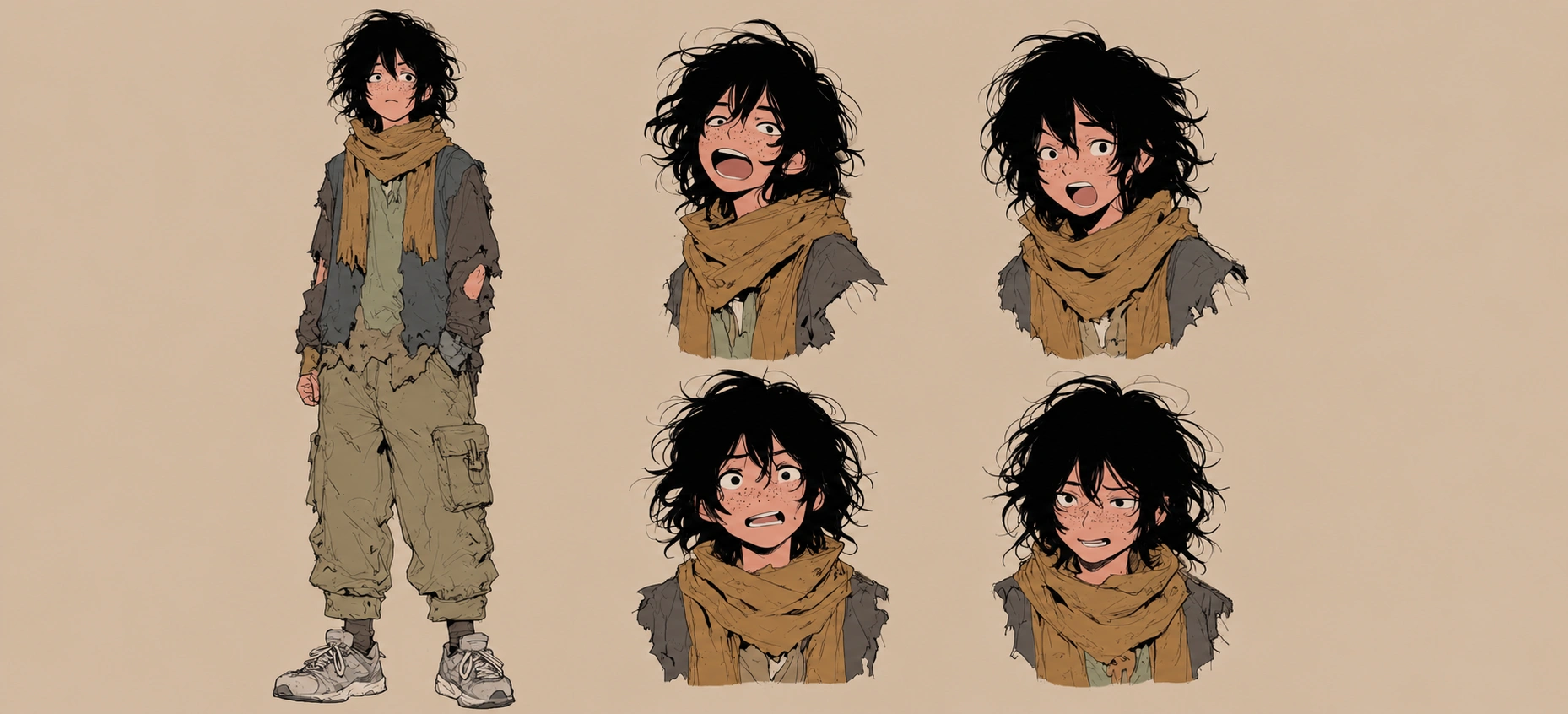
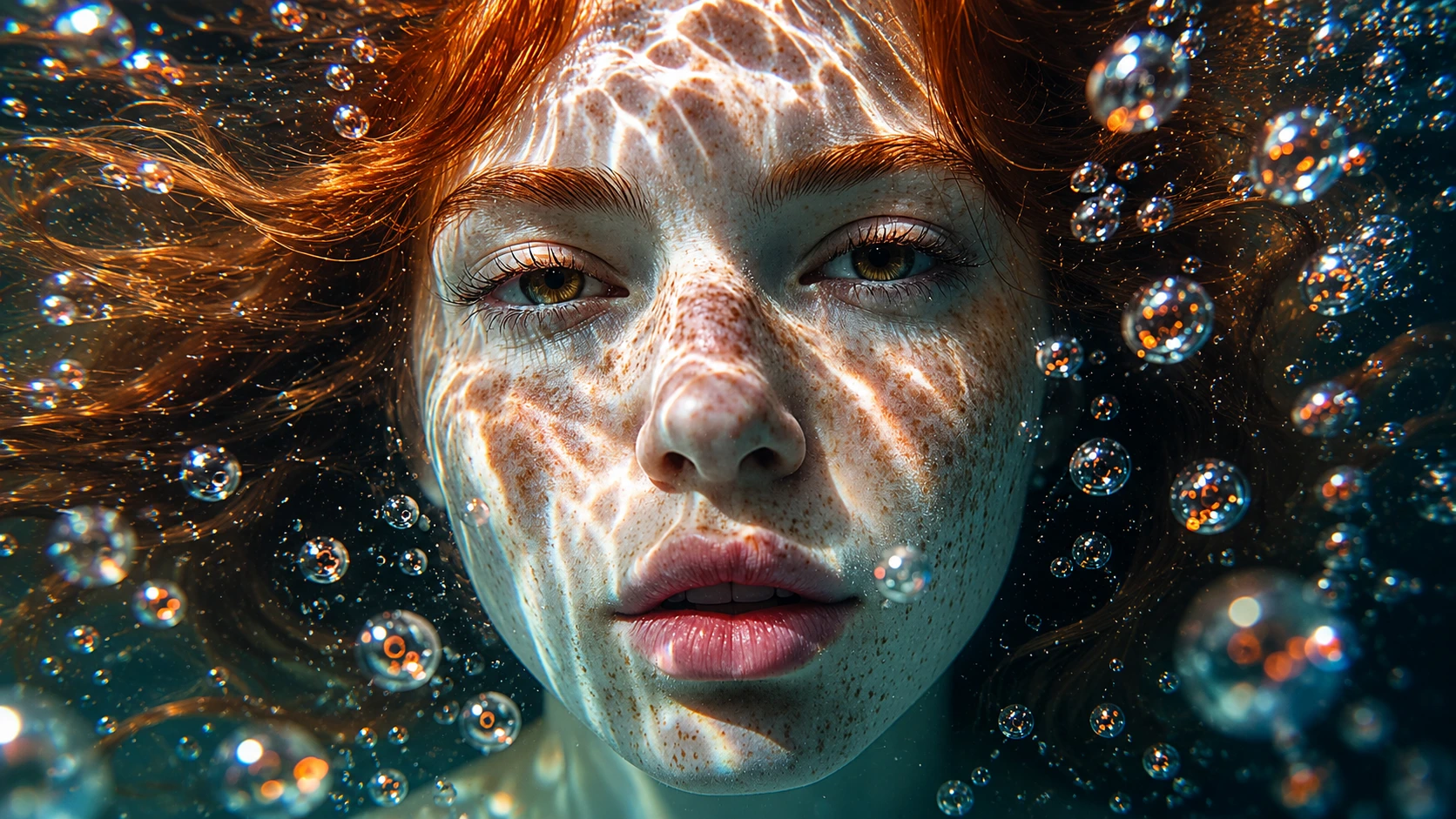
Create characters, portraits, avatars, and fantasy scenes.
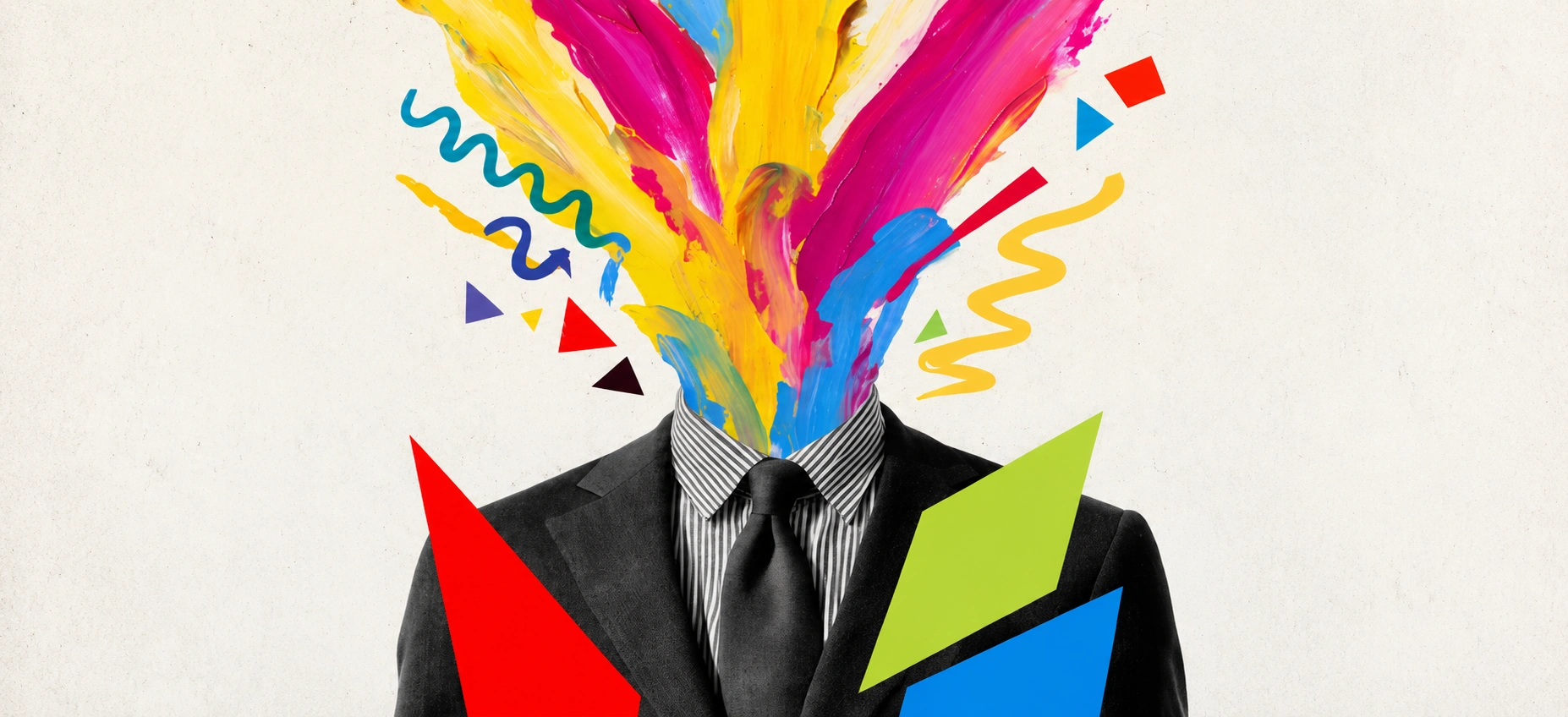
Start from a reference and push it further with style transfer, layout redesign, cleaner detail, and controlled variations.
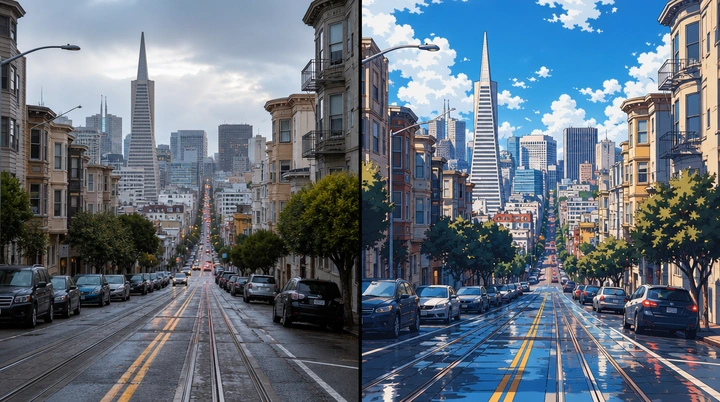
Restyle references without rebuilding the whole scene from scratch.
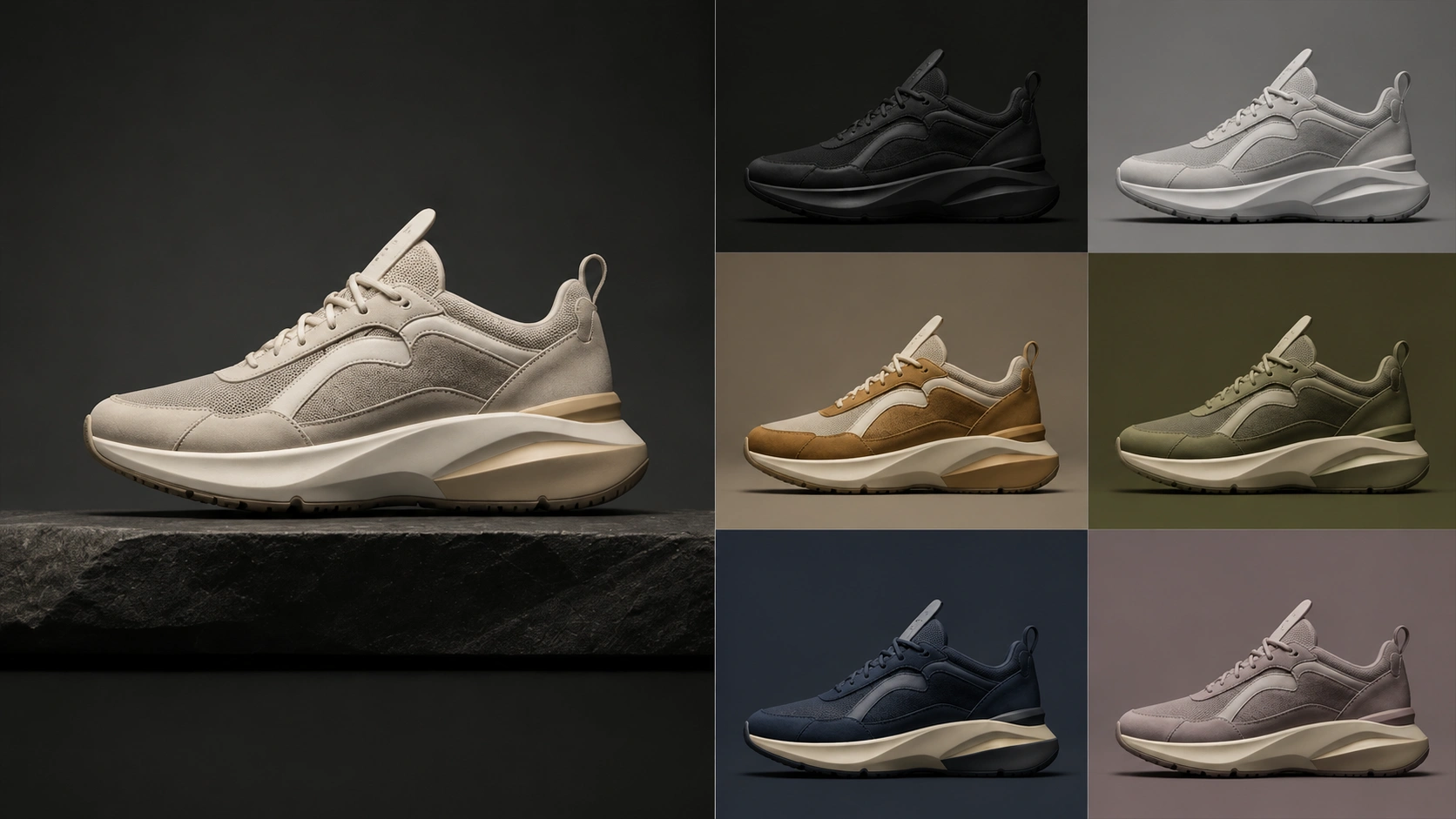
Spin multiple visual directions from one approved concept frame.
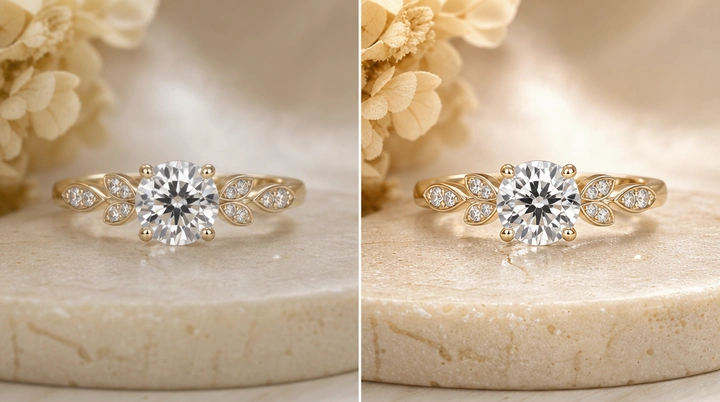
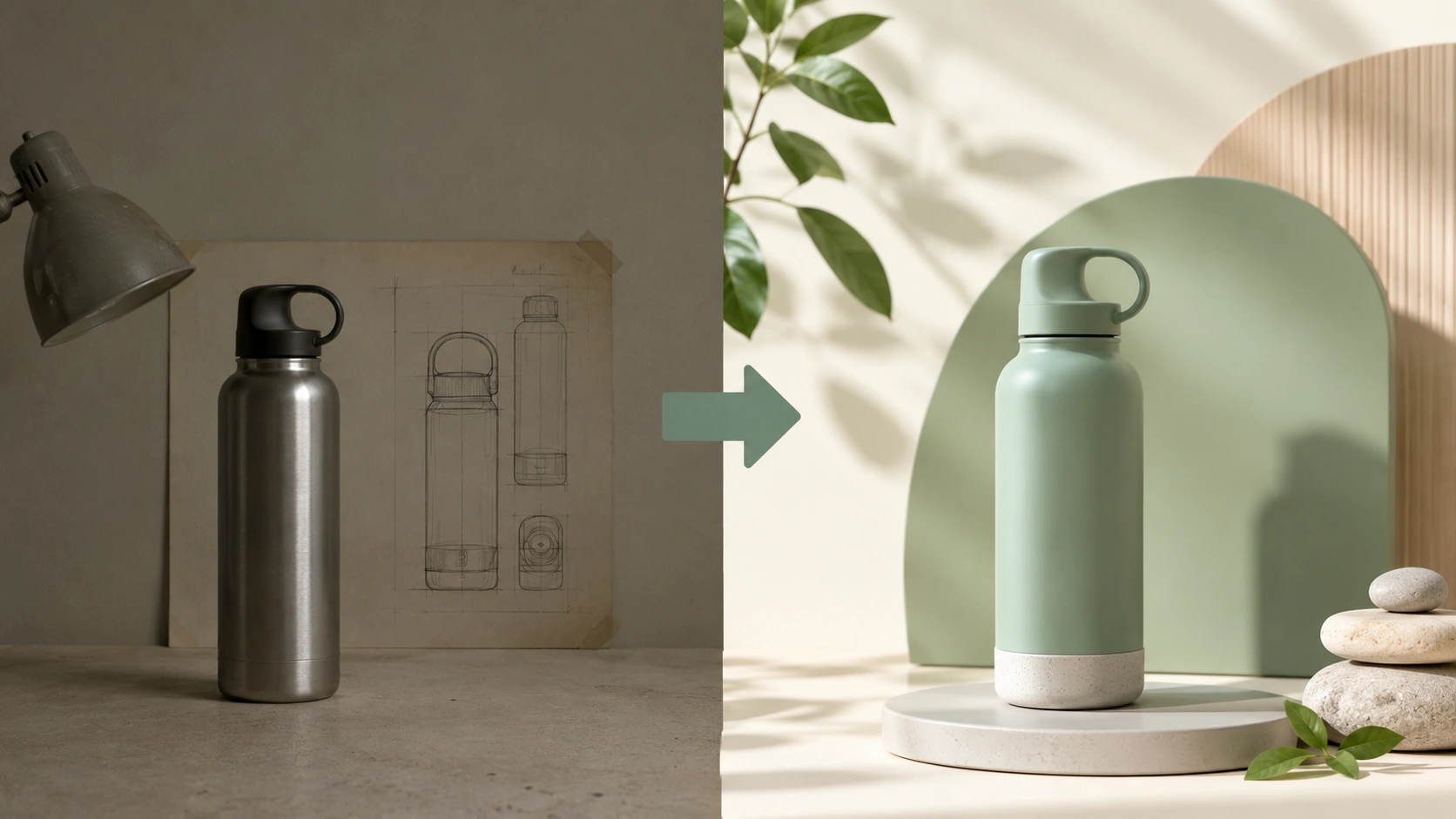
Rework existing comps into fresh directions for new audiences or briefs.
Use one AI image workspace for commerce, storytelling, illustration, brand design, and fast concept iteration.
An AI image generator is a model that turns prompts, references, or editing instructions into new images. In practice, it can help you create product visuals, character art, marketing graphics, and concept images faster than a traditional manual workflow.
Text to image generation creates a new image from a written prompt. The better you describe subject, style, composition, lighting, and purpose, the easier it is for the model to produce a useful first draft.
Image to image generation starts from an existing image and uses it as visual guidance. You can keep structure or subject identity while changing style, layout, details, or the final creative direction.
Choose based on the job. Use GPT Image 2 when you want polished generation and editing, Nano Banana 2 when you want fast high-fidelity output with strong price performance, Nano Banana Pro when you need studio-quality control, and Nano Banana when you want flexible creative edits and consistency workflows.
Many teams use AI-generated images for ads, e-commerce, and brand work, but you should still review provider terms, likeness issues, trademarks, and your own client or legal requirements before commercial release.
Start with subject and purpose, then add composition, camera angle, lighting, style, material details, and any elements that must stay consistent. For editing, explain what should change and what must remain untouched.
Use 1:1 for marketplaces and general social posts, 4:5 or 9:16 for vertical social content, and 16:9 for banners, thumbnails, and website hero visuals. Choose the ratio that matches the final publishing surface first.