Doodle Drawing
Doodle Drawing
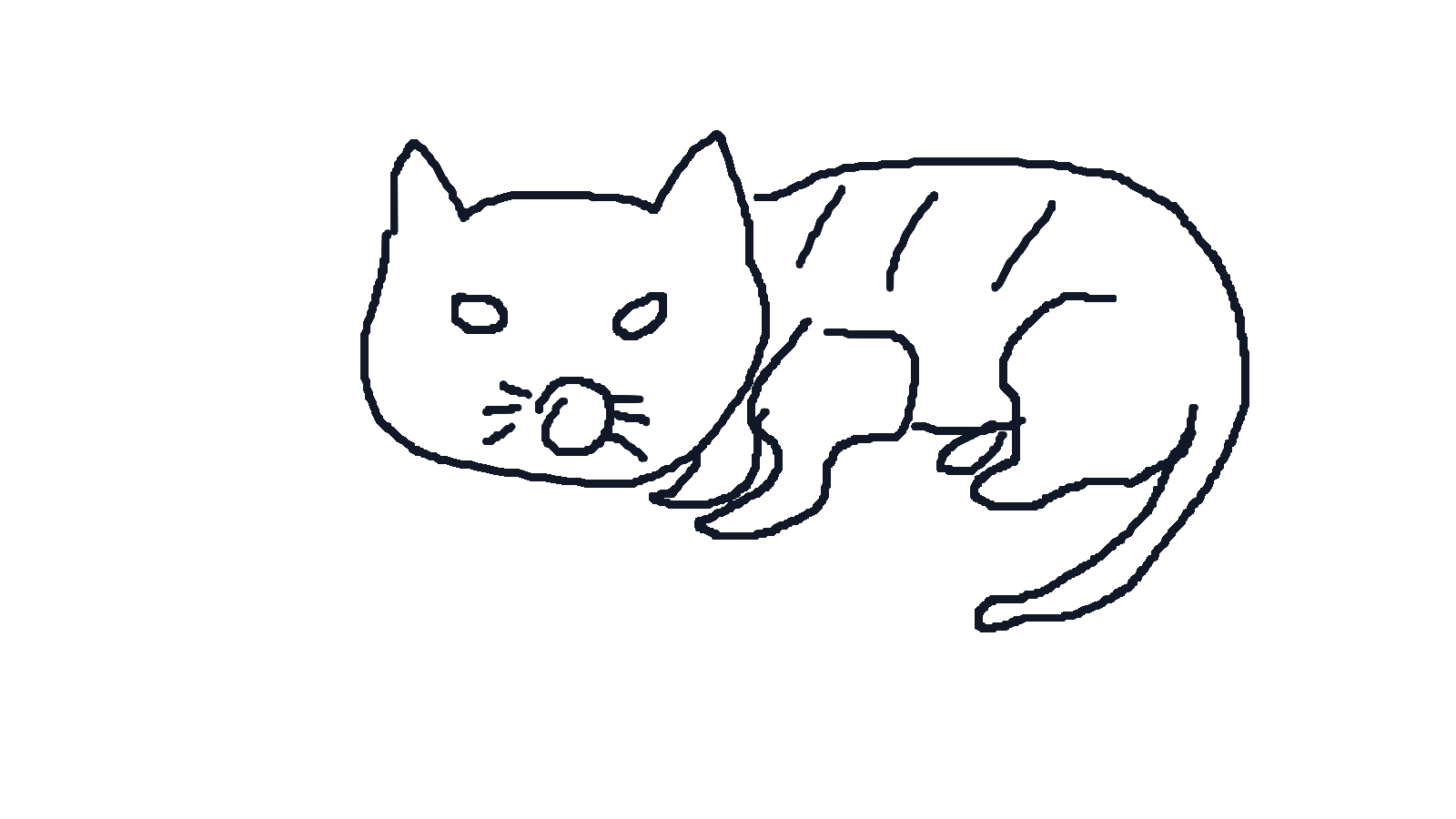
Draw with mouse or touch. Keep the sketch simple and readable.
How to use Doodle Drawing
- 01Draw the base structure with clear lines so the model can read the shape.
- 02Describe the subject, material, scene, or mood in a short prompt.
- 03Choose the visual style and output count, then generate the finished artwork.
One simple workflow
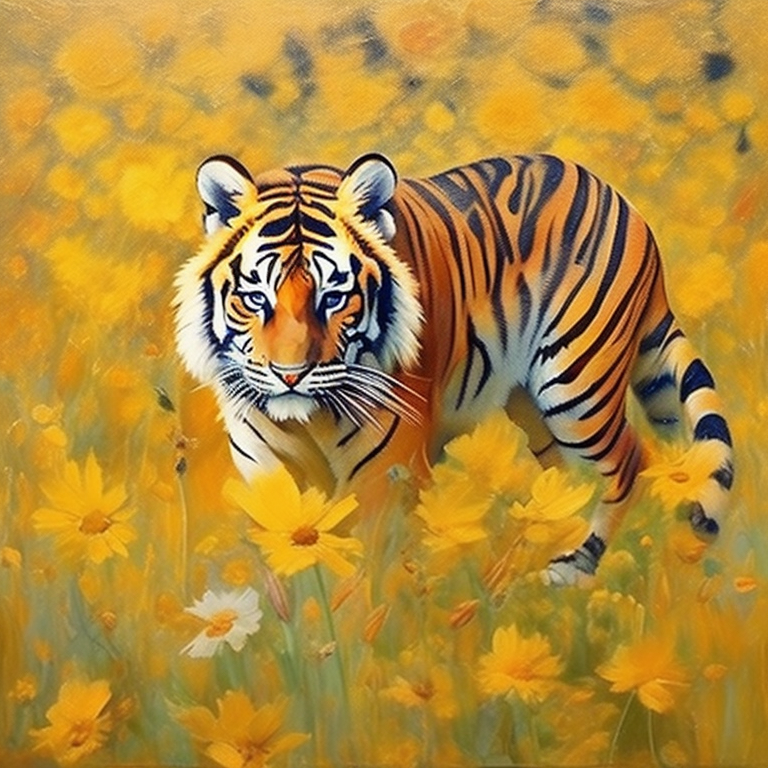
Draw the base shape, describe what the sketch should become, then choose the style and output count before generating.
Related tools
Sketch-to-image output depends on sketch clarity, prompt quality, and provider model behavior.
Frequently asked questions
What does Doodle Drawing do?+
It turns a simple sketch plus a short prompt into finished images using the Wan sketch-to-image model.
How detailed should my sketch be?+
Clear outlines and simple structure are enough. The prompt can add material, mood, and scene details.
What styles are available?+
Auto, 3D cartoon, anime, oil painting, watercolor, sketch, Chinese painting, and flat illustration are available.
How long can the prompt be?+
The tool supports short prompts up to 75 characters, so concise instructions work best.
How many images can I generate per request?+
You can generate between one and four images in a single request.
Does it work on mobile?+
Yes. The canvas supports touch input, and on mobile the form can expand to fill the full screen.