GPT Image Generator
Use GPT Image to turn text or reference images into high-fidelity visuals with strong prompt following, controllable composition, and delivery-ready detail.
GPT Image 2 for polished visual generation
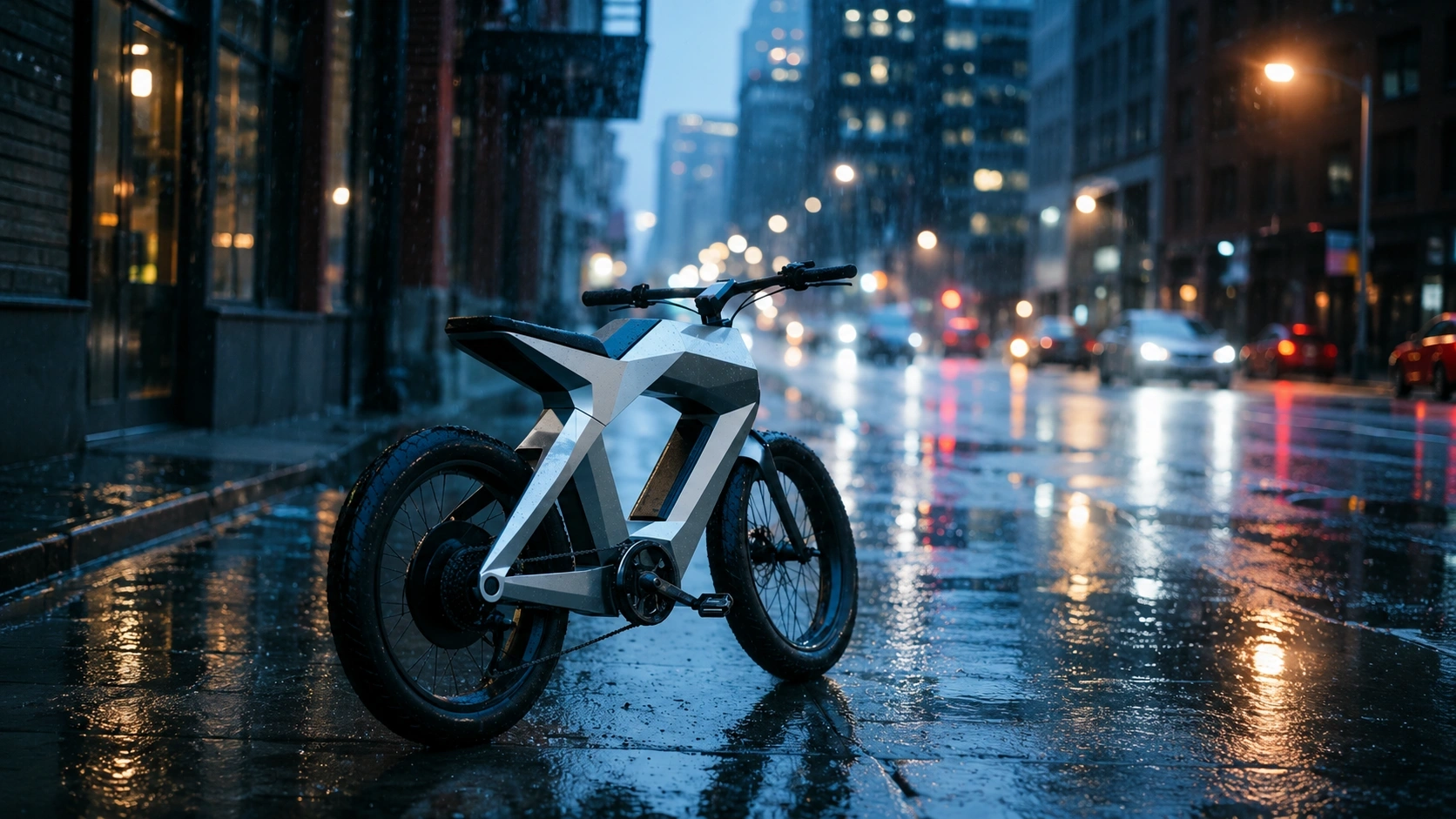
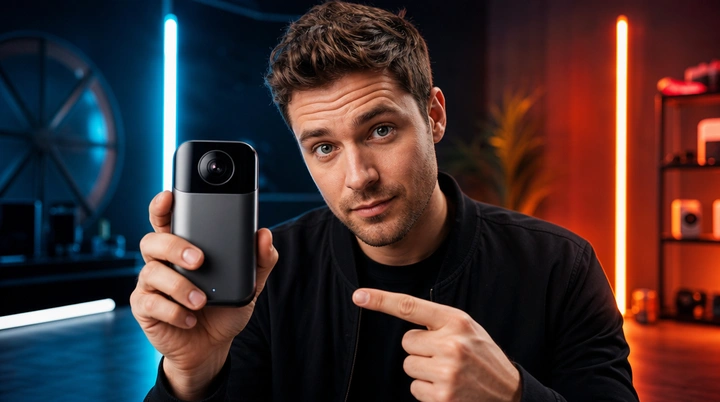
GPT Image 2 is the latest high-fidelity image model tuned for precise prompt-following, rich composition, and production-ready creative output — from product photography to editorial concept art.
Core strengths
- Delivers product shapes, materials, and scene direction accurately across complex multi-element prompts.
- Handles reference images to guide composition, style transfer, and subject placement.
- Supports Low / Medium / High quality tiers with resolutions from 720p to 4K, adapting from draft to final asset.
Best for
- Product mockups, campaign visuals, thumbnails, editorial images, and creative concept boards.
- Marketing and creative teams that need rapid visual exploration before committing to a shoot.
- Brand workflows that require consistent visual language across multiple assets.
Generation settings
Prompting tips
How to use GPT Image
- Step 1Describe the subject, setting, and visual style in one prompt.
- Step 2Upload reference images when you need composition, product, or style guidance.
- Step 3Choose ratio, resolution, and quality based on draft or final output.
- Step 4Generate variations, review details, and refine with updated prompts.

Model features
What GPT Image 2 delivers
GPT Image 2 combines high-fidelity rendering with strong prompt understanding, reference image support, and flexible output controls for professional image workflows.
- Text-to-image with detailed prompt understanding and scene composition
- Up to 4 reference images for style, composition, or subject guidance
- Quality tiers — Low, Medium, High — to balance speed and fidelity
- Resolutions from 720p to 4K across five aspect ratios

Prompt suggestions
How to get the best results
Effective GPT Image 2 prompts combine subject, context, and technical direction. The model responds well to structured, detailed descriptions.
- Start with subject + environment: "A minimalist ceramic coffee mug on a warm wooden table, morning sunlight from a window..."
- Add technical direction: "...shot with a 50mm lens, shallow depth of field, product photography style"
- Include output constraints when needed: "...clean background, no text, no logos, 1:1 ratio"
- Use reference images to lock in specific product shapes, materials, or color palettes
Related tools
Community showcase
Frequently asked questions
What is GPT Image best for?+
GPT Image is better suited to high-fidelity image work such as product visuals, marketing graphics, social media creatives, concept images, and other tasks where composition, material quality, and overall finish matter.
Does GPT Image support reference images?+
Yes. The current page supports uploading reference images and combining them with a text prompt. Reference images are useful for guiding composition, framing, subject placement, or overall visual direction.
What output settings does GPT Image support?+
The current page supports common image ratios, multiple output resolutions, and different quality levels so you can move between quick exploration and more polished final output. The latest available options should be checked in the generator itself.
Is GPT Image suitable for image editing workflows?+
If you provide reference images, GPT Image can work well for extension, reinterpretation, and style-guided image creation. Whether it fits a strict editing workflow depends on your task, your prompt, and how much control you need over the final result.
Can I use GPT Image outputs commercially?+
Commercial use depends on your subscription plan, the model provider terms, and the laws that apply to your project. If you plan to use the result in ads, client work, or branded publishing, review the relevant terms before release.
How can I write better prompts for GPT Image?+
Describe the subject, scene, lighting, camera feel, style, and intended use clearly. If you already know the visual direction, add reference images and practical constraints such as background cleanliness, text-free output, or target aspect ratio.