OpenVideoMaker

GPT Image 2 AI Image Generator

Use GPT Image 2 when you need precise prompt following, strong material rendering, and flexible output from fast drafts to delivery-ready stills.

0 / 1000
Model overview

GPT Image 2 for polished image creation

Strong semantic understanding with more stable text and layout. GPT Image 2 is a strong fit for product pages, ad creatives, and text-sensitive visual work.

Precise prompt following
Reference image support
720 to 4K delivery
Featured model

GPT Image 2

Model
GPT Image 2
Ratio
1:1 / 16:9 / 9:16 / 4:3
Resolution
720 / 1K / 2K / 4K
Quality
Low / Medium / High

How to use GPT Image

  1. 01Describe the subject, setting, and visual style in one prompt.
  2. 02Upload reference images when you need composition, product, or style guidance.
  3. 03Choose ratio, resolution, and quality based on draft or final output.
  4. 04Generate variations, review details, and refine with updated prompts.

Prompt guide

Structure every prompt with four parts: scene, subject, important details, and use case. This helps the model understand context, focus, visual style, and final output purpose.

Prompt template
Scene: where this happens, time of day, background, environment
Subject: who or what is the main focus
Important details: materials, clothing, texture, lighting, camera angle, lens feel, composition, mood
Use case: editorial photo / product mockup / poster / UI screen / infographic / concept frame
01

Editorial key visual

Describe what you want to generate

Scene: Rainy city street at night with wet reflective pavement, urban architectural backdrop. Subject: A futuristic electric bike parked under city lights. Important details: Fashion campaign styling, layered atmospheric haze, reflective wet surfaces catching neon and street light, editorial color grading, no text, no logo. Use case: Editorial photo / brand campaign key visual.
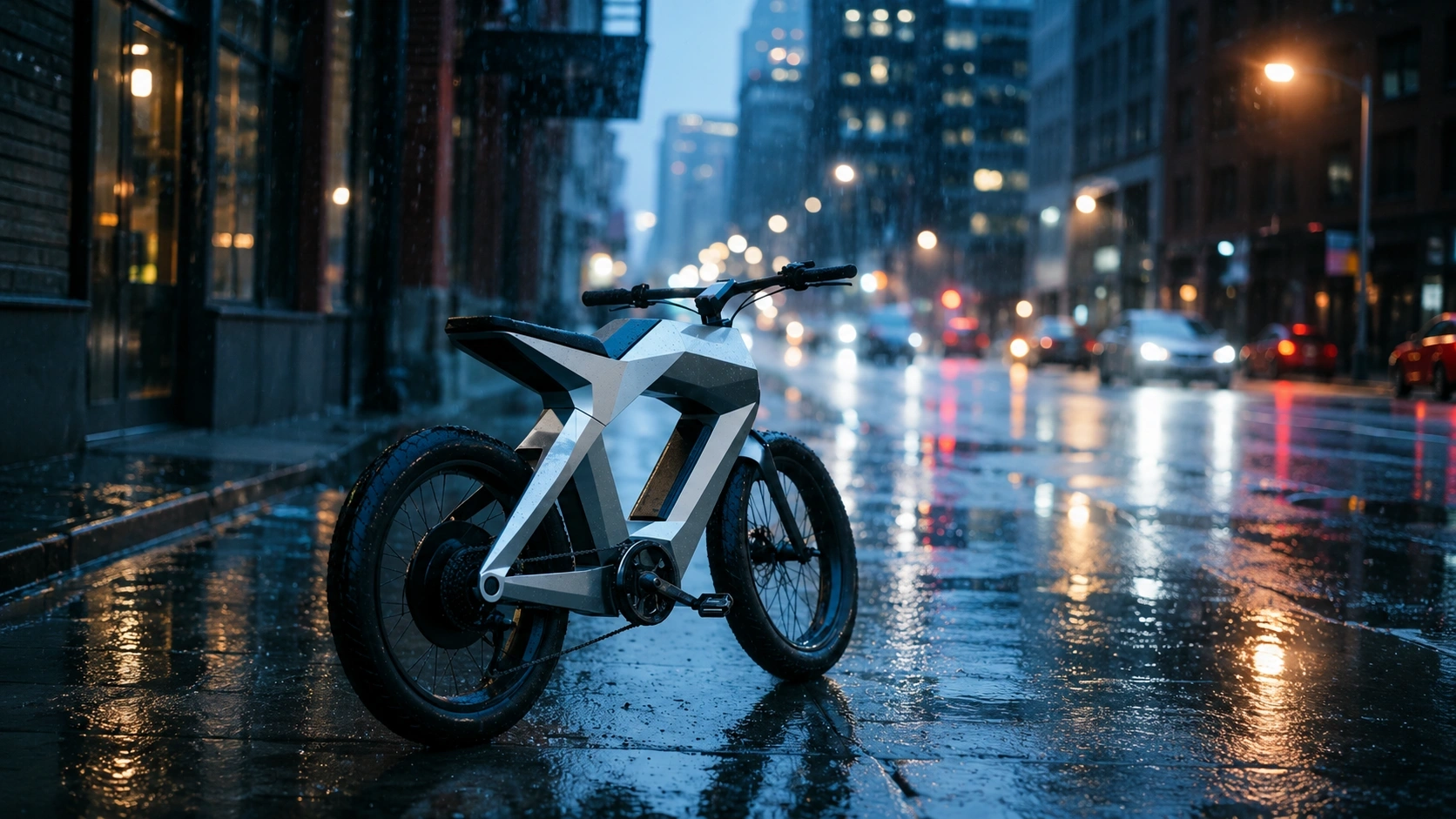
GPT Image 2 editorial key visual example
02

YouTube thumbnail scene

Describe what you want to generate

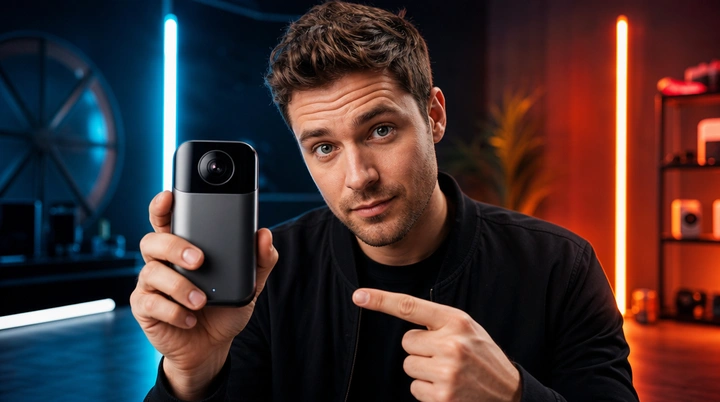
Scene: Dramatic neon-lit studio with bold colored lighting, dark moody background. Subject: A founder holding a new gadget, positioned center-frame with strong eye contact. Important details: Bold composition with strong foreground separation, crisp facial lighting, cinematic neon color accents, high contrast, no text, no logo. Use case: YouTube thumbnail / social media hero frame.

GPT Image 2 YouTube thumbnail example

Best settings

Choose settings based on where the asset will ship, not just on what looks biggest in the UI.

GPT Image 2

YouTube product demo

Landscape frames give you room for subject, copy, and safe crop across desktop and TV.

Ratio
16:9
Resolution
2K
Quality
High
GPT Image 2

TikTok / Reels cover

Vertical output keeps the focal subject centered and leaves clean space for UI overlays.

Ratio
9:16
Resolution
1K
Quality
Medium
GPT Image 2

PDP product hero

Square high-resolution stills hold up better for zoom, retouch, and storefront reuse.

Ratio
1:1
Resolution
4K
Quality
High

Related tools

This tool uses third-party model capabilities and is not affiliated with or endorsed by the original model providers unless explicitly stated.

Frequently asked questions

What is GPT Image best for?+

GPT Image is better suited to high-fidelity image work such as product visuals, marketing graphics, social media creatives, concept images, and other tasks where composition, material quality, and overall finish matter.

Does GPT Image support reference images?+

Yes. The current page supports uploading reference images and combining them with a text prompt. Reference images are useful for guiding composition, framing, subject placement, or overall visual direction.

What output settings does GPT Image support?+

The current page supports common image ratios, multiple output resolutions, and different quality levels so you can move between quick exploration and more polished final output. The latest available options should be checked in the generator itself.

Is GPT Image suitable for image editing workflows?+

If you provide reference images, GPT Image can work well for extension, reinterpretation, and style-guided image creation. Whether it fits a strict editing workflow depends on your task, your prompt, and how much control you need over the final result.

Can I use GPT Image outputs commercially?+

Commercial use depends on your subscription plan, the model provider terms, and the laws that apply to your project. If you plan to use the result in ads, client work, or branded publishing, review the relevant terms before release.

How can I write better prompts for GPT Image?+

Describe the subject, scene, lighting, camera feel, style, and intended use clearly. If you already know the visual direction, add reference images and practical constraints such as background cleanliness, text-free output, or target aspect ratio.