OpenVideoMaker

Motion Control

Upload a character image, pair it with a reference motion clip, and generate a controlled motion video.

0 / 1000
Character Orientation
Quality

How to use motion control

  1. 01Write a prompt that describes the performance, pacing, camera feel, and mood.
  2. 02Choose a reference motion video or upload your own clip between 3 and 30 seconds.
  3. 03Upload a clear character image, choose the orientation mode, then generate the result.

Usage guide

Use a clear character photo and a reference clip with readable body movement.

Character orientation: video
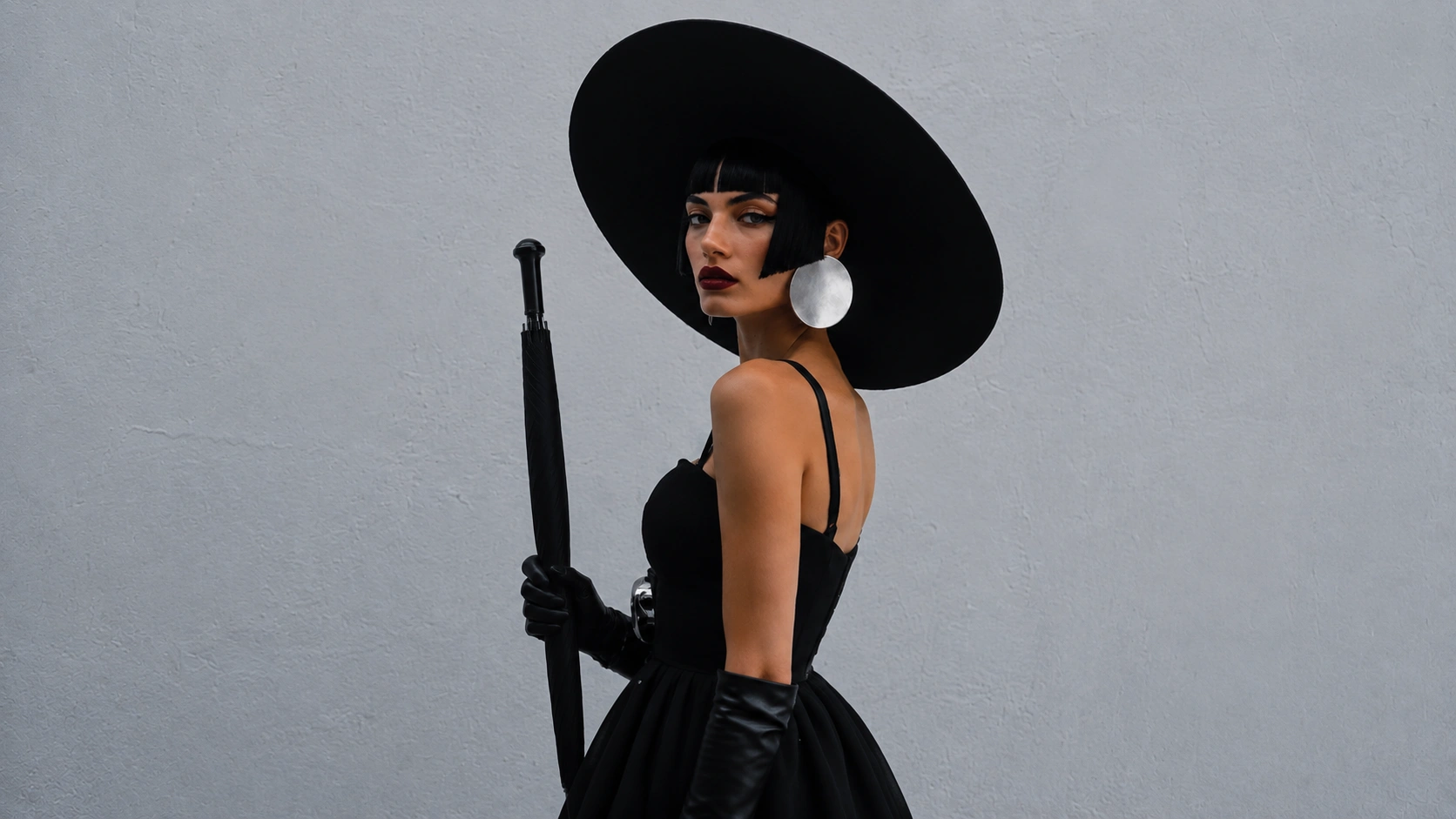
Character image example for video orientation
Character Image
Reference video
Character orientation: image
Character image example for image orientation
Character Image
Reference video

Related tools

Final motion quality depends on prompt clarity, character image quality, and the suitability of the reference clip.

Frequently asked questions

What makes a good character image?+

Use a clear image with the subject easy to recognize, minimal motion blur, and enough visible body detail to support the intended pose and movement.

Can I upload my own reference clip?+

Yes. You can upload your own MP4 or MOV clip, or choose one of the prepared template videos in the selector.

Will longer reference videos cost more credits?+

Yes. Credit usage is based on the selected model tier and the reference video duration used for generation.

What if the result does not follow the motion closely enough?+

Try a clearer prompt, a cleaner character image, and a reference clip with more readable movement and fewer distractions in the frame.