01
Start from a product image
Use a clean product shot or generate one first with an AI image model.
Use OpenVideoMaker's existing image, prompt, and video model pages to explore short product-video concepts for listings, social posts, and ad directions without switching tools.
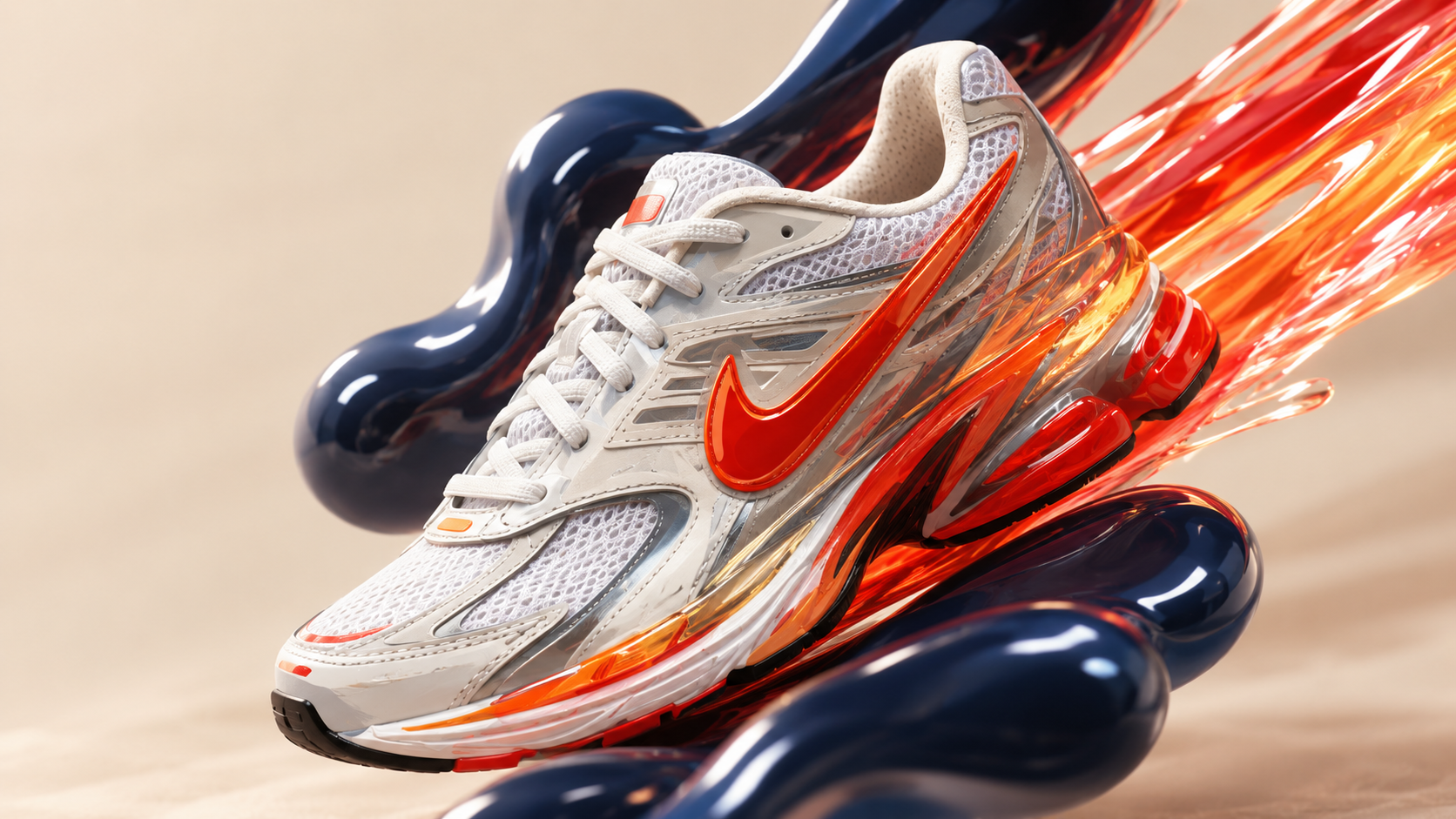
Use a clean product shot or generate one first with an AI image model.
Describe lighting, surface, camera motion, product interaction, and the intended channel.
Compare video models, refine the prompt, and keep reusable versions for the campaign.
A serum bottle on wet glass, slow macro push in, water droplets, soft spa lighting, premium beauty commercial.
A sneaker rotates above a clean studio pedestal, dynamic camera orbit, crisp shadows, launch campaign energy.
A compact coffee maker on a kitchen counter, steam rising, warm morning light, lifestyle product video.
You can combine product images, reference frames, prompts, and existing video model pages to explore product-video-style concepts for campaign planning, product storytelling, and creative testing.
A clear product image or product-style reference frame gives the video model a stronger visual anchor. Text prompts can then define lighting, environment, camera motion, pacing, and campaign mood.
Describe the product, fixed visual traits, scene, lighting, camera motion, pacing, and intended format. Use materials and brand references you are authorized to use, and review the final output before publication.