01
Define the scene
Name the subject, setting, lighting, and target mood before adding motion.
Use Seedance prompt patterns for product videos, cinematic motion, character scenes, and short social clips. Treat each prompt as a starting point and refine it based on the controls shown on the model page.
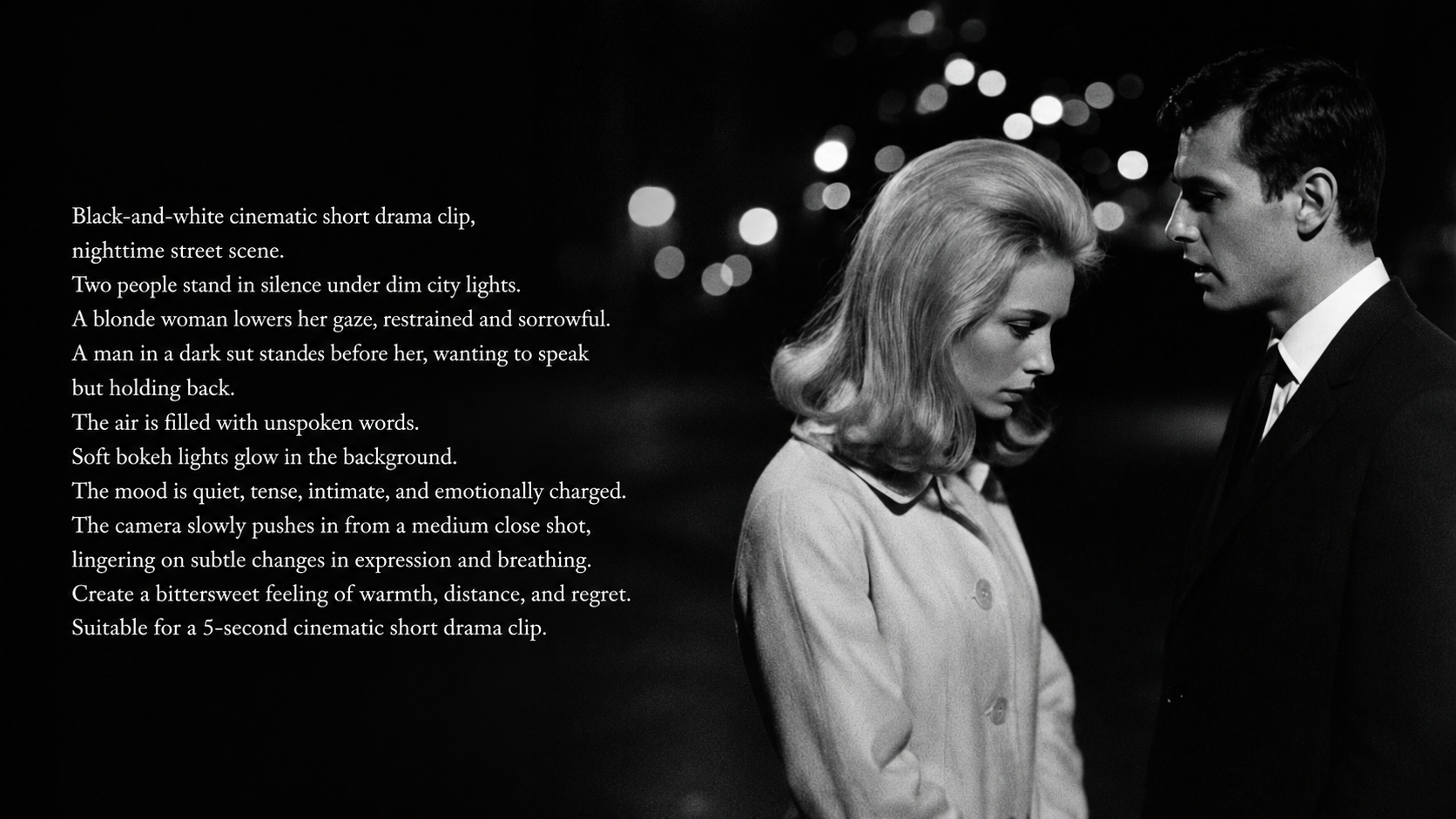
Name the subject, setting, lighting, and target mood before adding motion.
Use phrases such as slow push in, orbit, dolly, tracking shot, or handheld motion.
Keep prompts that preserve the subject and remove details that create unstable motion.
A luxury perfume bottle on reflective glass, slow camera orbit, soft gold lighting, premium commercial style.
A close-up portrait with subtle head turn, wind in hair, shallow depth of field, dramatic cinematic lighting.
A still travel photo becomes a moving shot with drifting clouds, gentle camera push, warm sunset atmosphere.
Open the Seedance workflow, define the subject, scene, camera movement, lighting, style, and format, then generate and refine one focused prompt.
When the Seedance page shows reference or image input controls, image-to-video prompt patterns help you connect the source image with motion, camera direction, and scene atmosphere.
Review subject stability, camera motion, pacing, and scene consistency. Then keep the strongest instructions and sharpen the next prompt for another variation.
Learn how to write AI video prompts with a clear subject, action, camera, lighting, style, and format so each generation is easier to review and improve.
Seedance 2.0 AI video generator for cinematic product reveals, character motion clips, and short-form storytelling with reference-aware iteration.
Use Seedance prompt patterns for product videos, cinematic motion, character scenes, and short social clips. Treat each prompt as a starting point and refine it based on the controls shown on the model page.
Name the subject, setting, lighting, and target mood before adding motion.
Use phrases such as slow push in, orbit, dolly, tracking shot, or handheld motion.
Keep prompts that preserve the subject and remove details that create unstable motion.
A luxury perfume bottle on reflective glass, slow camera orbit, soft gold lighting, premium commercial style.
A close-up portrait with subtle head turn, wind in hair, shallow depth of field, dramatic cinematic lighting.
A still travel photo becomes a moving shot with drifting clouds, gentle camera push, warm sunset atmosphere.
Open the Seedance workflow, define the subject, scene, camera movement, lighting, style, and format, then generate and refine one focused prompt.
When the Seedance page shows reference or image input controls, image-to-video prompt patterns help you connect the source image with motion, camera direction, and scene atmosphere.
Review subject stability, camera motion, pacing, and scene consistency. Then keep the strongest instructions and sharpen the next prompt for another variation.
Learn how to write AI video prompts with a clear subject, action, camera, lighting, style, and format so each generation is easier to review and improve.
Seedance 2.0 AI video generator for cinematic product reveals, character motion clips, and short-form storytelling with reference-aware iteration.