01
Compare model access
List the video and image models your workflow needs, then check which are currently available in each tool.
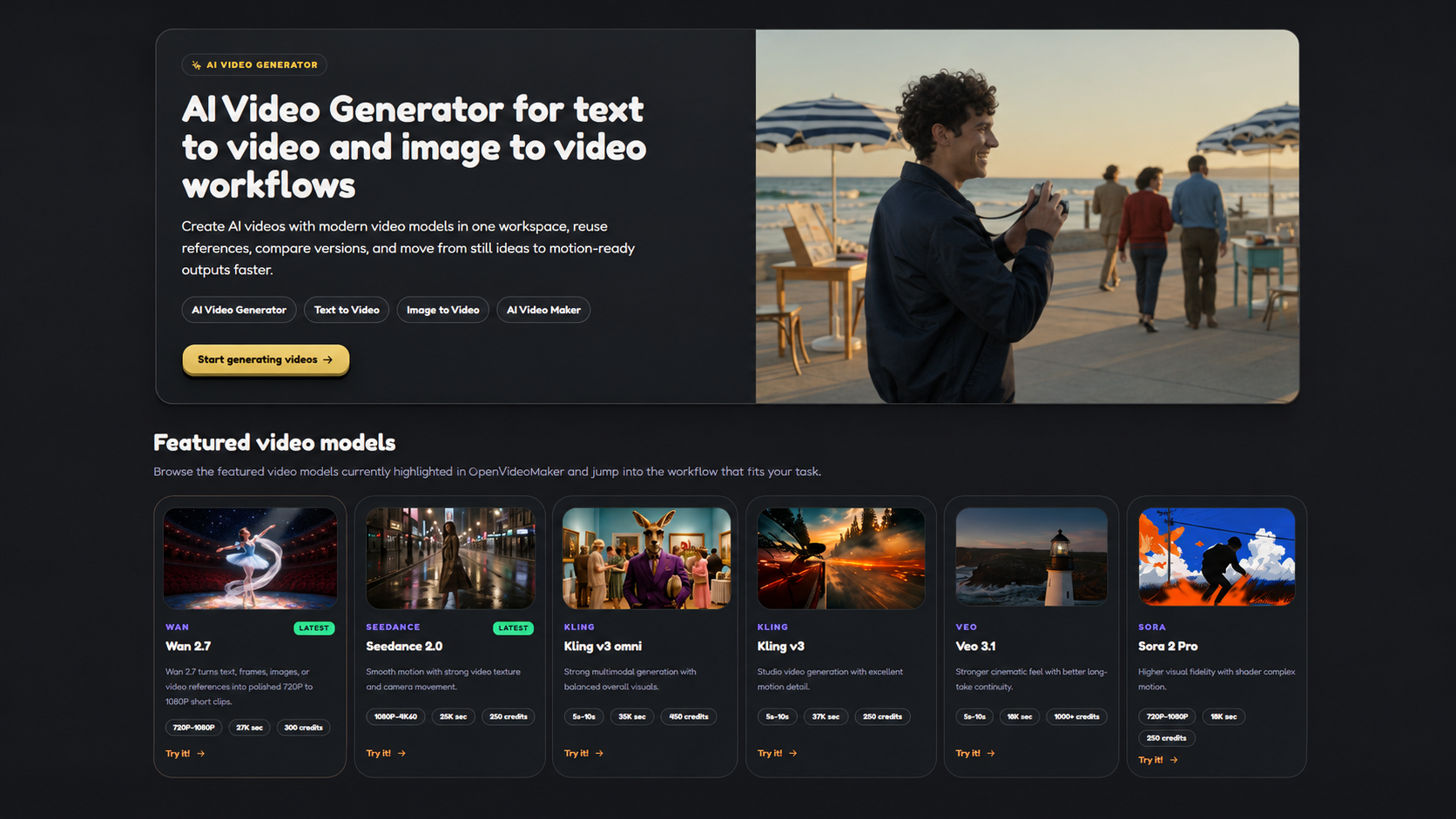
OpenVideoMaker is positioned as a multi-model AI image and video workspace. Use this page to evaluate when a model-flexible workflow may fit better than relying on a single AI video provider.
List the video and image models your workflow needs, then check which are currently available in each tool.
Run the same product, social, and image-to-video prompts across available models.
Compare asset management, generation entry points, pricing, and output review needs before switching.
You want to test Seedance, Veo, Kling, Sora, Wan, and image models in one workspace.
You generate product images first, then reuse those assets for image-to-video workflows.
You need repeatable prompt patterns across product, social, and creator video tasks.
Runway is a third-party product and trademark of its owner. This page is a workflow comparison, not a statement of affiliation or endorsement.
This independent comparison focuses on workflow considerations such as inputs, creative control, output review, cost, and fit for your production process. Runway is a third-party product and trademark of its owner.
Teams can compare model access, image-to-video workflow, asset management, pricing, creative iteration, and how much of the process can happen in one workspace.
List the required workflows, check the current feature set and model options, compare pricing, and test representative prompts before deciding which tool fits the production process.