OpenVideoMaker

Nano Banana AI Image Generator

Use Nano Banana to generate or refine colorful visuals with flexible ratios, reference support, and a workflow that fits creative exploration and campaign drafts.

0 / 3000
Model overview

Nano Banana 2 for vibrant AI image creation

Nano Banana 2 is the latest generation of our playful yet polished image model family. It delivers creative, colorful visuals with clean composition and production-ready detail — ideal for product concepts, character designs, editorial scenes, and social media content.

Creative image generation
Web search integration
Three model variants

Core strengths

  • Balances vibrant, playful visual direction with refined product and campaign aesthetics.
  • Nano Banana 2 brings web search for contextual awareness; Pro adds higher-fidelity rendering for final output.
  • Covers a wide range of image ratios — from 21:9 cinematic to 9:16 vertical — plus 1K to 4K resolutions.

Best for

  • Product concepts, character studies, social media visuals, campaign drafts, and editorial images.
  • Creative teams wanting lively, distinctive images without sacrificing clarity and polish.
  • Iterative marketing workflows: explore fast with Nano Banana, refine with Nano Banana 2, finalize with Pro.

Generation settings

Featured model
Nano Banana 2
Resolution
1K / 2K / 4K
Ratio
auto / 21:9 / 16:9 / 3:2
Web search
Yes

Prompting tips

Describe the visual style, subject, color mood, and intended platform in the prompt for best results.
Use Nano Banana 2 with web search enabled when you need up-to-date cultural or product context.
Add constraints like "no text, no logos, clean background" when generating campaign-safe assets.

How to use Nano Banana

  1. Step 1Write a prompt with subject, mood, style, and output intent.
  2. Step 2Add reference images if you want stronger consistency or editing guidance.
  3. Step 3Pick the Nano Banana variant, ratio, and resolution that fit your task.
  4. Step 4Review the result, then adjust prompt details or references for the next pass.
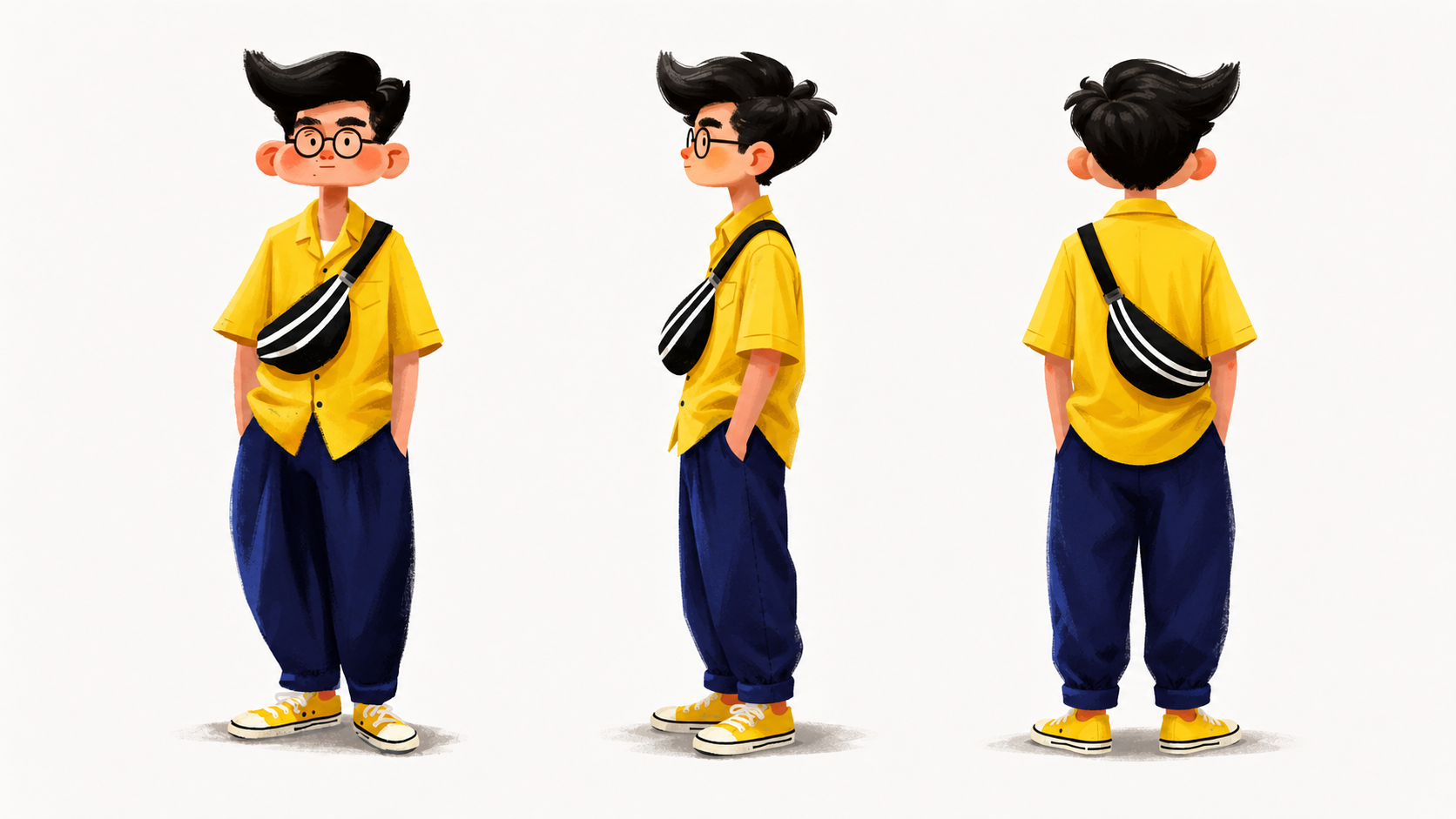
Nano Banana 2 feature showcase with creative image examples

Model features

What the Nano Banana family offers

Nano Banana 2 leads a family of three variants — each tuned for a different stage of the creative workflow, from rapid exploration to final production.

  • Nano Banana 2 — latest generation with improved quality and web search support
  • Nano Banana Pro — higher-fidelity rendering for campaign-ready final output
  • Nano Banana — fast, affordable creative generation for everyday concepts
  • Wide ratio support from 21:9 to 9:16, plus auto mode. Resolutions up to 4K
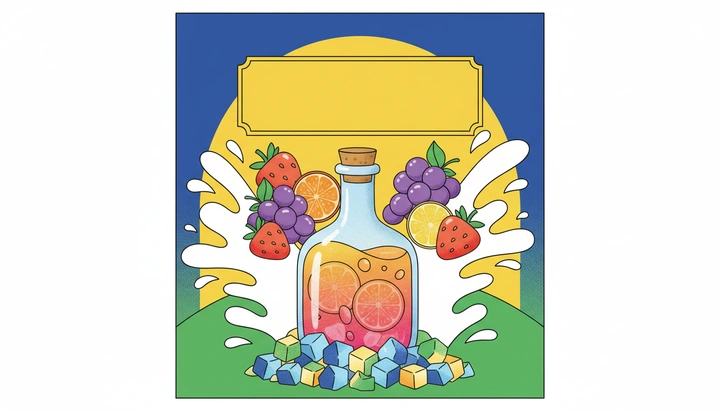
Nano Banana 2 prompt structure illustrated with example generation

Prompt suggestions

How to write effective Nano Banana prompts

Nano Banana models respond best to prompts that combine visual style direction with subject and mood. The more specific your style references, the more distinctive the output.

  • Define the style upfront: "3D claymation style, soft lighting, pastel color palette..."
  • Add subject + context: "...a friendly robot barista serving coffee in a cozy cafe"
  • Enable web search when referencing real products, brands, or cultural moments
  • Iterate across variants: draft with Nano Banana, refine composition with 2, finalize with Pro

Related tools

This tool uses third-party model capabilities and is not affiliated with or endorsed by the original model providers unless explicitly stated.

Community showcase

No data yet.

Frequently asked questions

What kind of image work is Nano Banana best for?+

Nano Banana is better suited to more expressive and style-led image work such as character concepts, visual exploration, social media creatives, event visual directions, and commercial concept drafts that need more personality.

What are the differences between the Nano Banana variants?+

The variants mainly differ in output quality, generation speed, and the stage of the workflow they fit best. A faster variant is useful for direction finding, while a higher-quality variant is better for polished final output.

Does Nano Banana support reference images and style exploration?+

Yes. Reference images can help guide subject direction, style, and layout, which makes Nano Banana suitable for visual exploration and style extension. It is especially useful when you want to iterate on a creative direction across multiple generations.

Does Nano Banana support web search?+

Some Nano Banana variants on the current page support web search. This is more useful when you need fresher context, real-world references, or culture-specific cues, but the actual availability depends on the currently selected variant and settings.

Is Nano Banana good for character consistency?+

It can help with character consistency when you keep the subject description stable and use reference images. It should still be treated as an iterative workflow rather than a guaranteed character-locking system.

When should I use Nano Banana instead of GPT Image?+

If you care more about creative exploration, style range, and a more playful visual tone, Nano Banana is usually the better fit. If you need more controlled, commercial, or high-fidelity image output, GPT Image is often the stronger choice.